


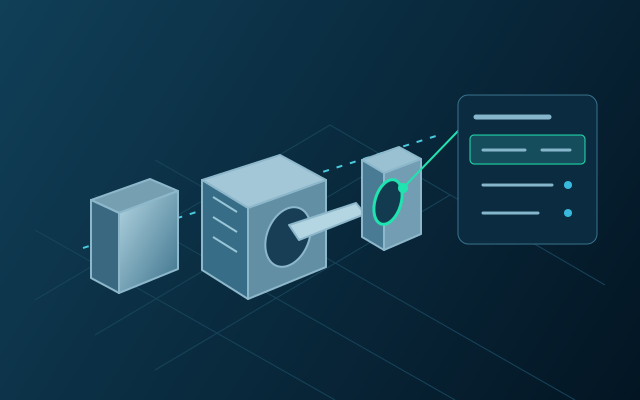
Find the component on the 3D model
Starting from STEP CAD files, the portal makes the machine model available in the browser. Rotation, zoom and selection linked to the component list help identify the component and its spare part code. The portal manager configures the links between components and the catalogue.